
Key Takeaways
The charge port door is simple to use, but small problems with locks, ice, dirt, or alignment can stop it from moving normally.
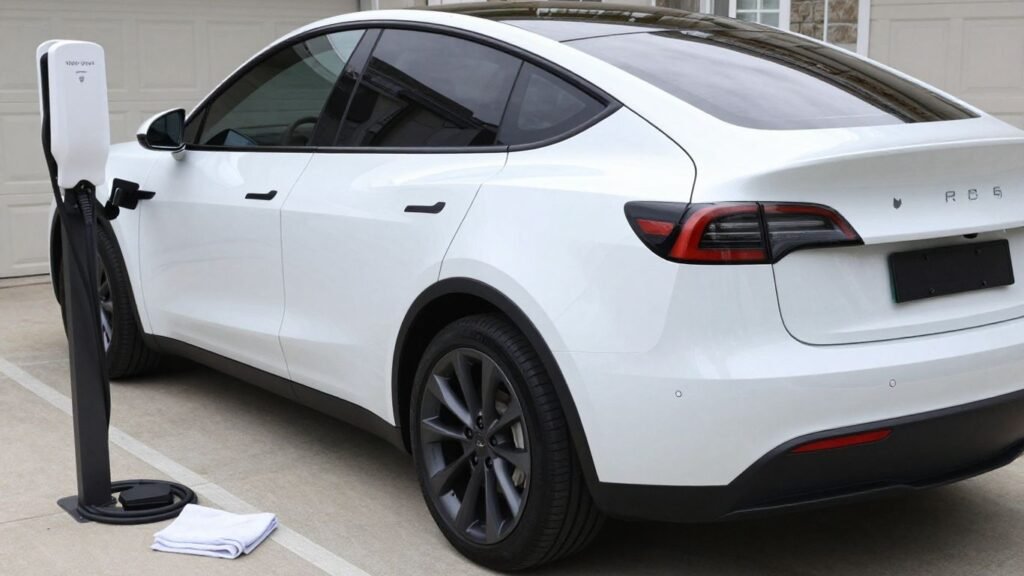
- The door is located on the left rear quarter panel.
- It can usually be opened from the touchscreen, app, connector, or by pressing the door.
- Never force a frozen or misaligned door.
- A manual release is a last resort and should be used carefully.
- Door or charge-port assembly replacement is best handled by a qualified technician.
How the Tesla Model Y charge port door works
The Tesla Model Y charge port door covers the charging inlet when the vehicle is not being charged. Its operation depends on the vehicle’s lock state, the door latch, and the powered mechanism behind the panel. Understanding those basic parts makes troubleshooting less frustrating.
Where to find the charge port door
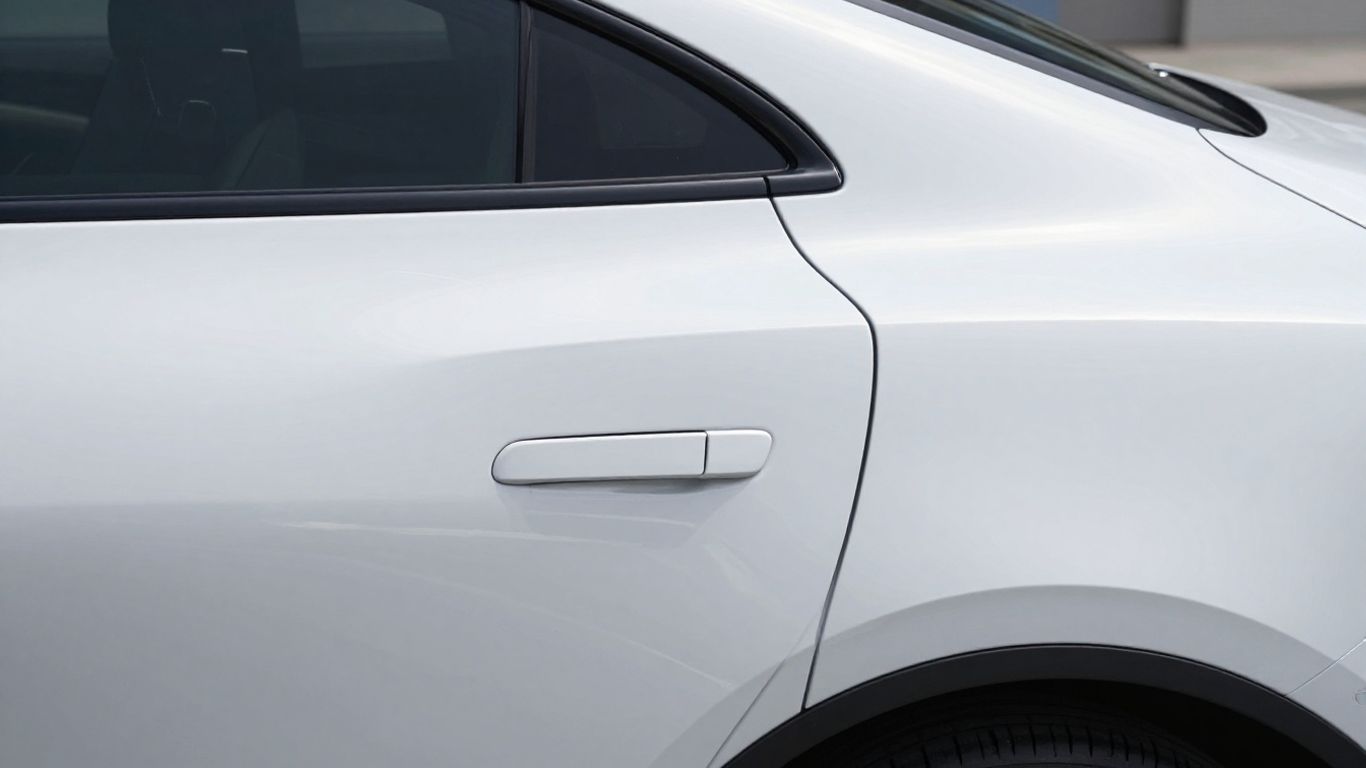
The door sits on the left rear quarter panel, close to the tail light. From outside, it looks like a body-colored panel rather than a conventional fuel flap. Keep the area around it clear because road grime and ice can collect along the narrow edges.
How the door opens and closes
When the vehicle is unlocked or a charging action is requested, the door can release and move outward. Closing it normally involves a light press so the latch can engage. A gentle approach matters because pressing, pulling, or levering the panel can damage the hinge or paint.
What the charge port indicator colors mean
The light around the charging inlet gives a quick view of the port’s state. In general, white indicates that the port is available, blue indicates a connection or preparation state, and green indicates charging activity. Red or amber illumination can point to a fault or condition that needs attention, so check the vehicle’s displayed message rather than relying on color alone.
Differences across Model Y versions and model years
Door shape, trim, software behavior, and charge-port hardware can vary by production period and market. A replacement panel or assembly that looks similar may not fit every vehicle. Before ordering parts, verify the vehicle identification information, charging standard, and the exact repair procedure for that version.
How to open and close the charge port door
There is more than one way to operate the door, which is useful when one control is unavailable. Use the method that feels least likely to put pressure on the panel, and make sure the vehicle is safely parked before connecting or removing a cable.
Using the Tesla touchscreen
Open the charging controls on the center touchscreen and select the control for the charge port. The door should release if the vehicle is in the appropriate state. After charging, use the same control if needed, then confirm that the panel has latched flush with the surrounding bodywork.
Pressing the charge port door
With the vehicle unlocked, press the center of the closed door lightly and release. Do not press on one corner or use a fingernail to pry at the seam. If it does not respond, stop and check the lock status before trying again.
Using the Tesla mobile app
The mobile app can provide a remote way to request access to the charging port. Open the vehicle controls, choose the charge-port option, and wait briefly for the command to reach the car. A weak connection, sleeping vehicle, or locked state can make the response slower than expected.
Opening the door with a charging connector
A compatible charging connector can also prompt the port door to open when its release button is pressed near the inlet. Hold the connector steadily and avoid striking the door with the handle. If the door does not release, do not force the connector into the opening.
How to troubleshoot a charge port door that will not open
A door that refuses to open is often responding to a simple obstruction or lock condition. Work from the least invasive checks toward the more involved ones. If the panel is visibly bent, loose, or rubbing against the body, stop before repeated attempts turn a small fault into a damaged assembly.
Checking the vehicle lock status
First confirm that the vehicle is unlocked and that the key or phone key is being recognized. Try the normal vehicle control again while standing near the car. If other exterior access functions also behave oddly, resolve the locking or connectivity issue before investigating the door itself.
Removing ice, dirt, or other obstructions
Look along the door seam for packed snow, ice, leaves, or grit. Brush loose material away with a soft tool and use gentle warmth to loosen ice; avoid boiling water or concentrated heat near paint, seals, and plastic. Never insert a metal object into the seam.
Inspecting the charge port and door alignment
With the door open, look for a hinge cover that has shifted, a seal that has folded over, or a cable that is sitting incorrectly. The panel should sit evenly relative to the surrounding body. Uneven gaps, fresh scraping marks, or a door that springs back suggest an alignment or latch problem rather than a software command problem.
Using the manual release carefully
A manual release may be available inside the vehicle or near the charge-port area, depending on configuration. Use it only when normal controls fail and follow the vehicle-specific service guidance. Pulling hard or repeatedly can affect the latch, wiring, or charging hardware, so arrange professional inspection if the release is needed more than once.
How to fix common Tesla Model Y charge port door problems
The right fix depends on whether the fault is mechanical, electrical, or caused by the environment. Begin by recording what happens: no movement, partial movement, a warning, or a door that moves but will not latch. That short description will help a service provider avoid replacing parts unnecessarily.
Door stuck open or closed
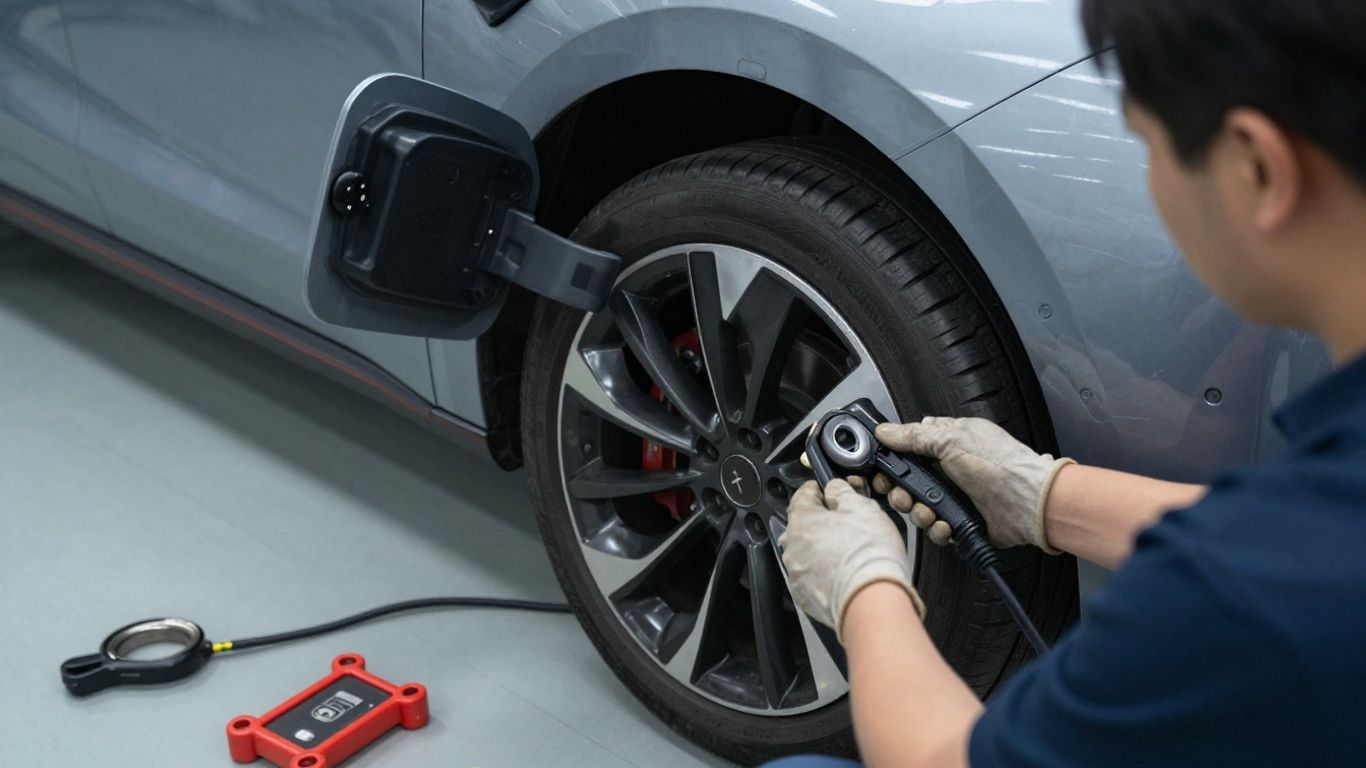
A stuck door should not be pried open or pushed shut with force. Clear visible debris, check for ice, and retry a normal release command once the vehicle is unlocked. Persistent resistance may mean the actuator, hinge, latch, or surrounding panel needs inspection; Tesla Model Y service documentation covers door and hinge-cover removal and replacement procedures.
Door that will not stay latched
A door that pops back open may have a misaligned latch, a displaced hinge cover, or interference from a seal. Check that nothing is trapped around the perimeter and that the panel is not contacting the body. Avoid driving with the door loose, particularly in wet or dirty conditions, until the latch has been assessed.
Slow, noisy, or uneven door movement
Grinding, clicking, hesitation, or movement on only one side can indicate contamination, binding, or a worn mechanism. Do not spray a random lubricant into the hinge or charge-port cavity. Photograph the gap and record whether the problem occurs in warm and cold conditions; that information is often more useful than repeated opening attempts.
Charge port door warning messages
Read the complete warning on the touchscreen and note when it appeared. A warning that returns after the vehicle is restarted deserves a service appointment, especially if charging is also interrupted. Work involving the NACS charge port can involve high-voltage components and should be left to technicians with the required training and protective equipment.
How to protect the Tesla Model Y charge port door
Most protection comes from ordinary habits rather than elaborate accessories. Keep the panel clean, avoid forcing it, and pay attention to changes in movement before a minor issue becomes a complete failure. A protective product should fit the exact body style and leave the door’s normal movement unobstructed.
Cleaning the door and surrounding area
Wash grit from the panel and its edges with automotive-safe soap, water, and a soft microfiber cloth. Rinse before wiping if the surface is dusty, since dry grit can scratch paint. Dry the seam afterward so moisture does not remain trapped around the latch.
Preventing frozen components in cold weather
Before a freeze, remove standing water from the door edges and avoid parking immediately after a wash if temperatures are falling. If the panel freezes shut, warm the surrounding area gradually and give the ice time to release. Pulling against frozen seals is more likely to tear or deform them than to solve the problem.
Choosing a compatible protective cover
A cover should match the vehicle’s model year and trim, attach without blocking the latch, and tolerate the local weather. For a newer Juniper vehicle, a carbon fiber charging port cover is one accessory listing to compare, but check fitment carefully before purchase. A cover is not a substitute for repairing a door that already binds.
Avoiding damage from forced opening or closing
Use the controls first and apply only light, even pressure when the design calls for a manual press. Keep charging handles supported instead of allowing their weight to pull on the port. These simple habits reduce stress on the hinge, latch, paint, and connector.
How to replace or repair the Tesla Model Y charge port door
Replacement is not always the first answer. The visible door, hinge cover, latch, actuator, wiring, and complete charge-port assembly are separate levels of work, and the symptoms do not identify the failed part with certainty. Service information for a NACS port replacement also makes clear that work around high-voltage hardware requires appropriate certification and protective equipment.
When a repair is better than replacement
Repair may be sensible when the panel is undamaged and the issue is limited to alignment, a loose fastener, contamination, or a replaceable hinge component. Replacement becomes more likely after collision damage, cracked plastic, a distorted mounting point, or a failed assembly. A technician should inspect the parts before a decision is made.
Replacing the door and hinge cover
The exterior door and hinge cover can sometimes be replaced without changing the entire charging inlet. The work still requires careful trim removal, alignment, and confirmation that the panel sits evenly afterward. The door replacement procedure is a useful reference for understanding why this is not simply a matter of snapping on a new cover.
Replacing the complete charge port assembly
A complete assembly replacement is a larger repair because it can involve the charging inlet, wiring, body fasteners, and high-voltage safety steps. It is not a suitable first-time experiment in a driveway. Follow the applicable service procedure and do not handle exposed high-voltage parts without the required training and equipment.
Deciding between Tesla service and a qualified repair shop
Choose a provider based on the fault, available equipment, and technician qualifications rather than price alone. Ask whether the shop has experience with electric-vehicle charge-port repairs and whether it can verify safe operation after the work. For parts logistics, a TAPTES tracking page may help with an accessory order, but it does not replace technical diagnosis.
Some online reading linked to vehicle ownership is unrelated to this repair, so keep research focused: CRM abandonment, safe earring materials, Class IV MLS laser therapy, mortgage renewals, and dental insurance waiting periods address entirely different subjects and should not guide a charging-port repair.
Conclusion
A careful sequence—unlock the vehicle, clear obstructions, use the normal controls, and avoid force—solves many charge-port door nuisances without making them worse. When movement remains uneven, the latch will not hold, or a warning returns, professional diagnosis is the safer route than guessing at replacement parts.
Frequently Asked Questions
Where is the charging port door located?
It is usually positioned on the left rear quarter panel, near the tail light, behind a body-colored exterior door.
Why will a charging port door not open?
Common possibilities include a locked vehicle, ice, dirt, a misaligned panel, a failed latch, or a problem with the powered release mechanism.
Can I pry open a frozen charging port door?
No. Gradual warming and gentle removal of loose ice are safer than using a tool or pulling hard against the panel.
How do I know whether the door is aligned correctly?
The panel should sit evenly with the surrounding body and should not scrape, spring back, or leave a noticeably uneven gap.
Should I lubricate a noisy charge-port door?
Avoid applying an unapproved lubricant without knowing which materials and electrical components it may contact. Have persistent noise inspected instead.
Can I replace only the exterior door?
Sometimes. The correct repair depends on whether the damage is limited to the outer panel and hinge cover or extends to the latch, actuator, wiring, or charging assembly.
When should a technician handle the repair?
Use a qualified technician when warnings persist, charging is affected, the panel is damaged, or the repair may expose high-voltage components.